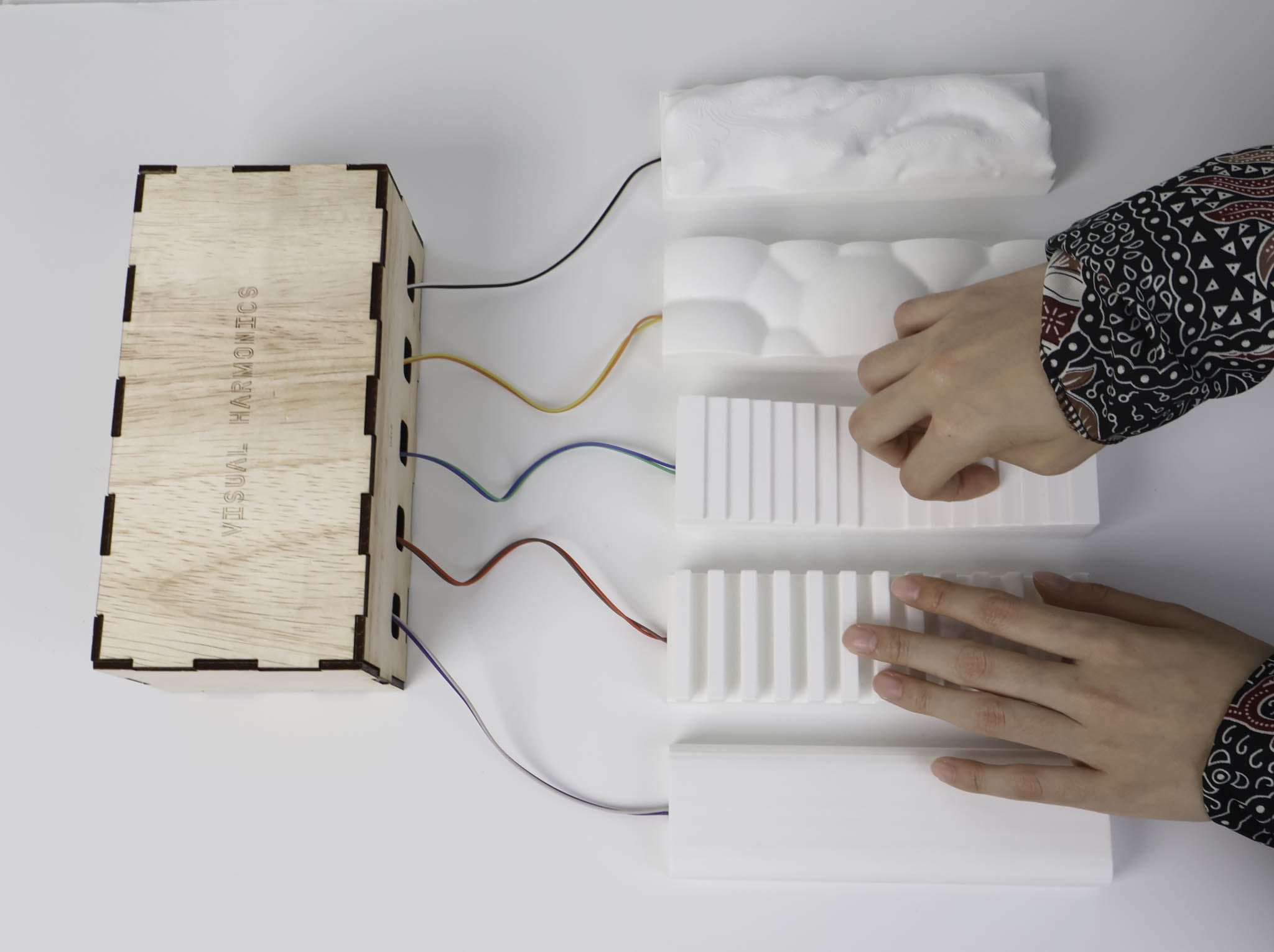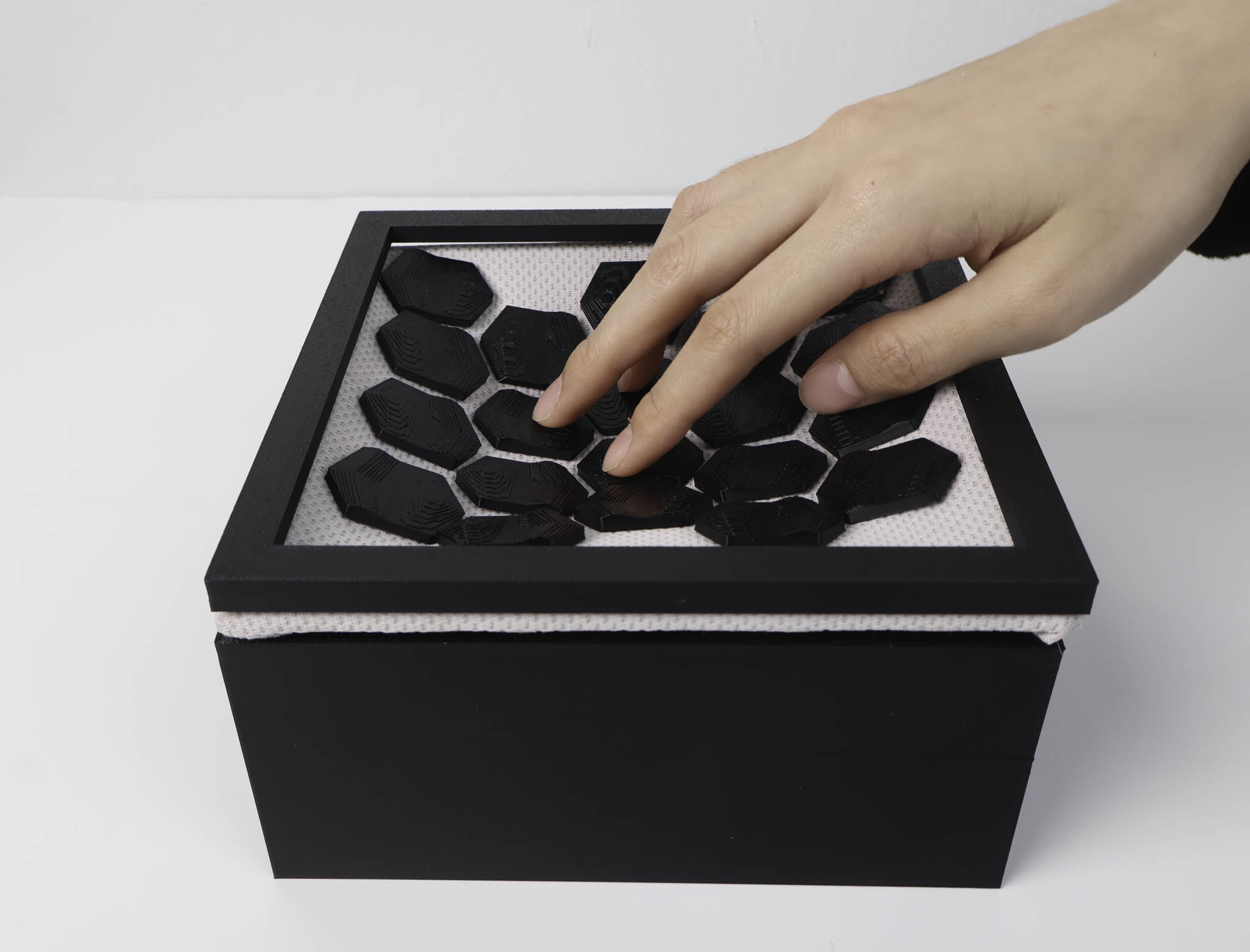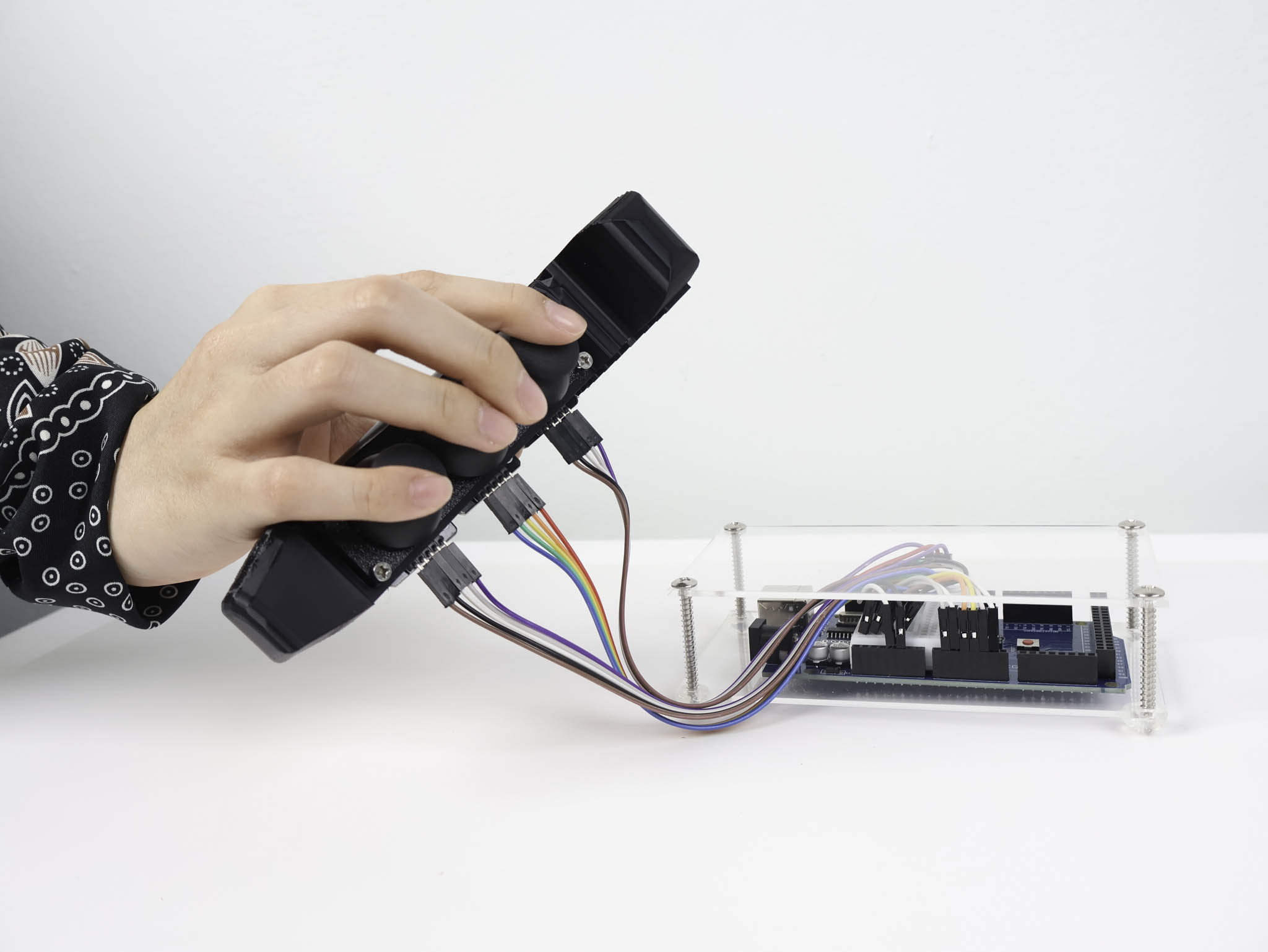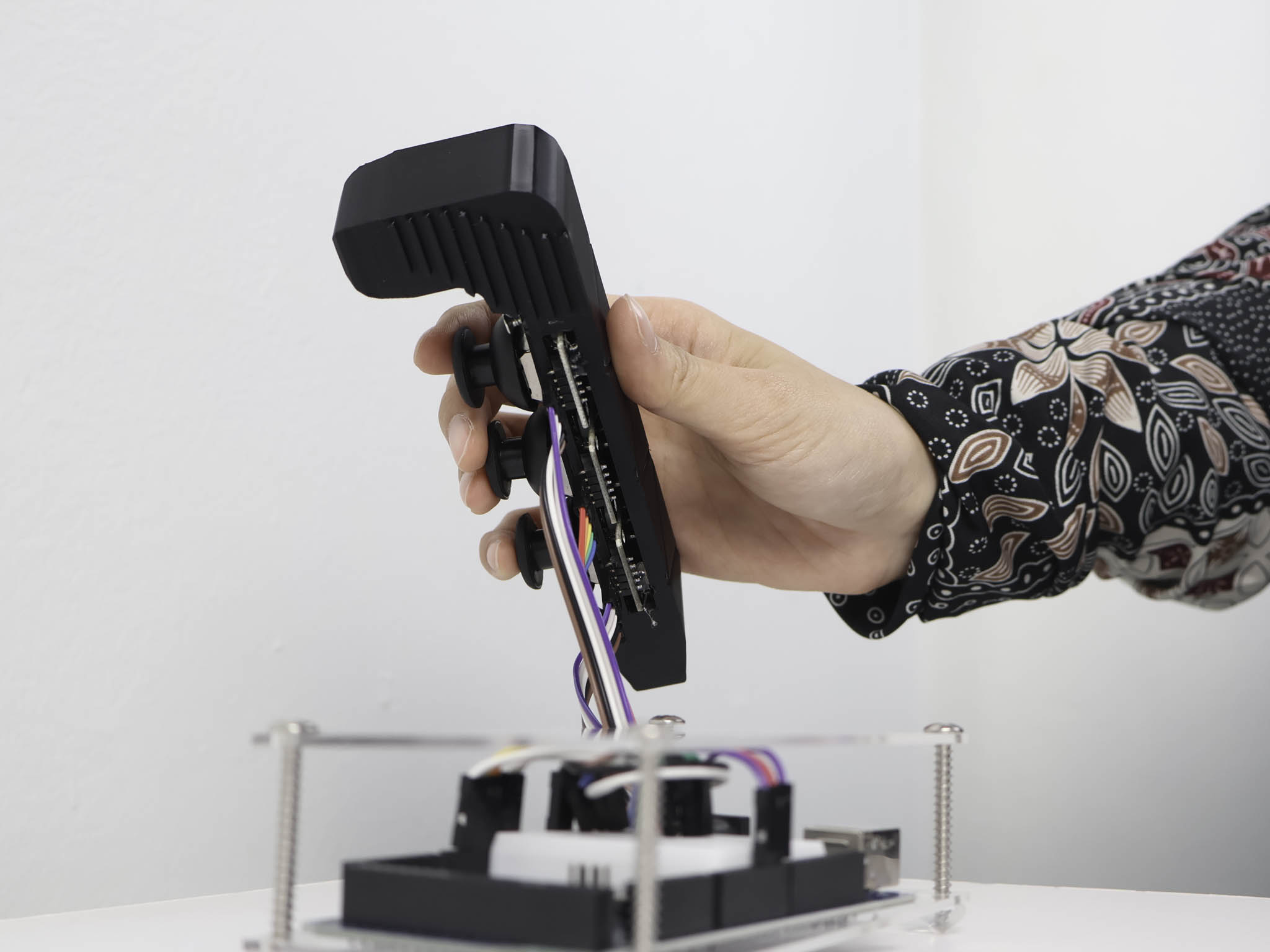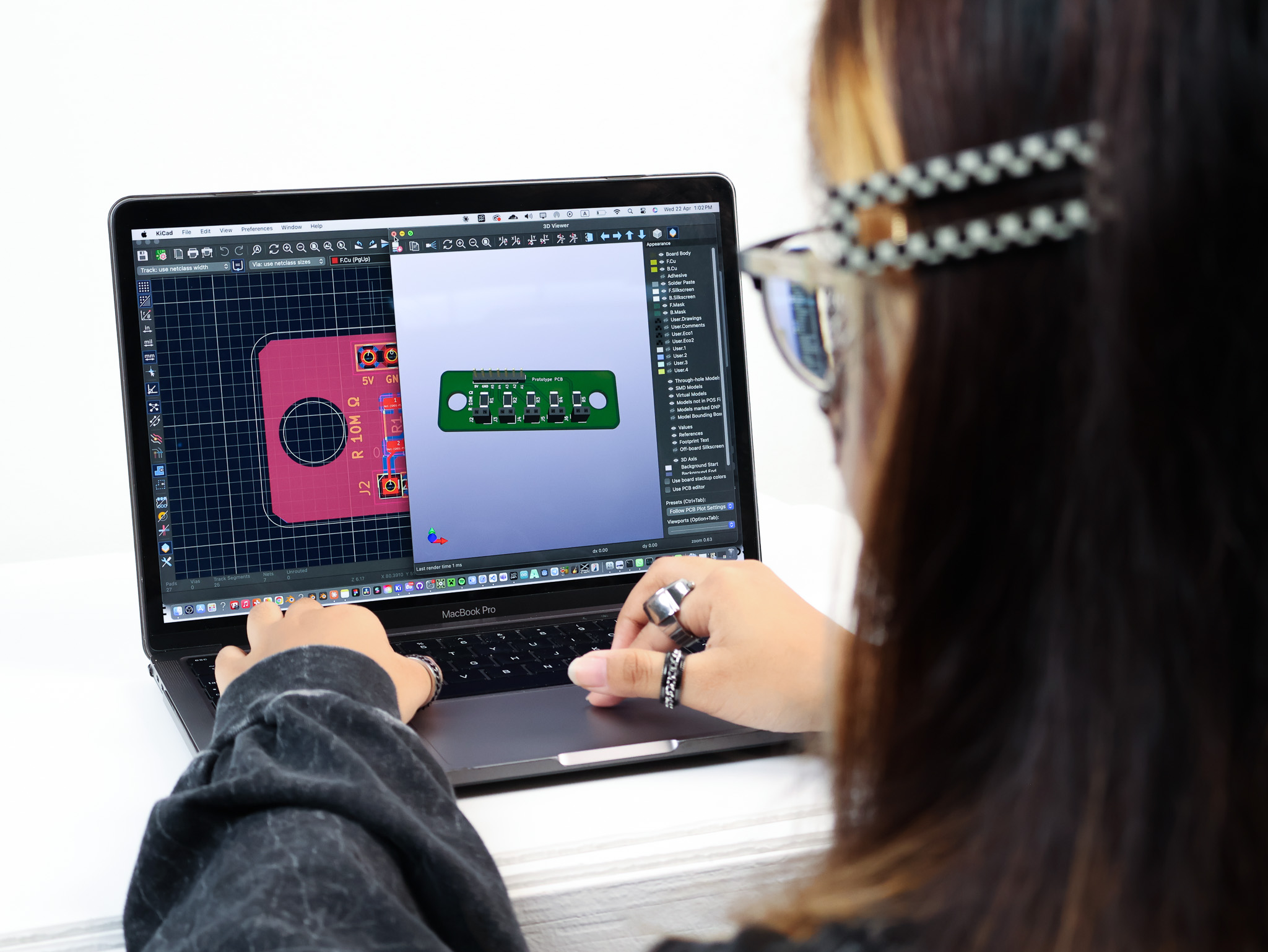
Cohort sharing week. The preparation involved structuring the presentation around an intro, a problem statement, a Term 1 recap, and three pillars, context, precedents, experiments. Trying to make the arc of the project legible to people who haven't been inside it.
One decision that shaped the presentation format: building it as a local website rather than a slide deck. The reasoning was practical, the presentation had embedded videos of the prototypes in use, and running them through a slideshow app reliably introduced lag or format issues. Running locally in a browser meant the videos played exactly as intended, with no encoding overhead or streaming delay. It also meant the whole thing could be navigated with keyboard arrows, which felt more controlled for a live setting.
The actual presentation on 12 March went well. Getting the project out of my head and into a shareable form always clarifies things. Questions from the cohort were useful, some pointed to gaps in how I was framing the work, particularly around what the output is actually for and who the end user is.
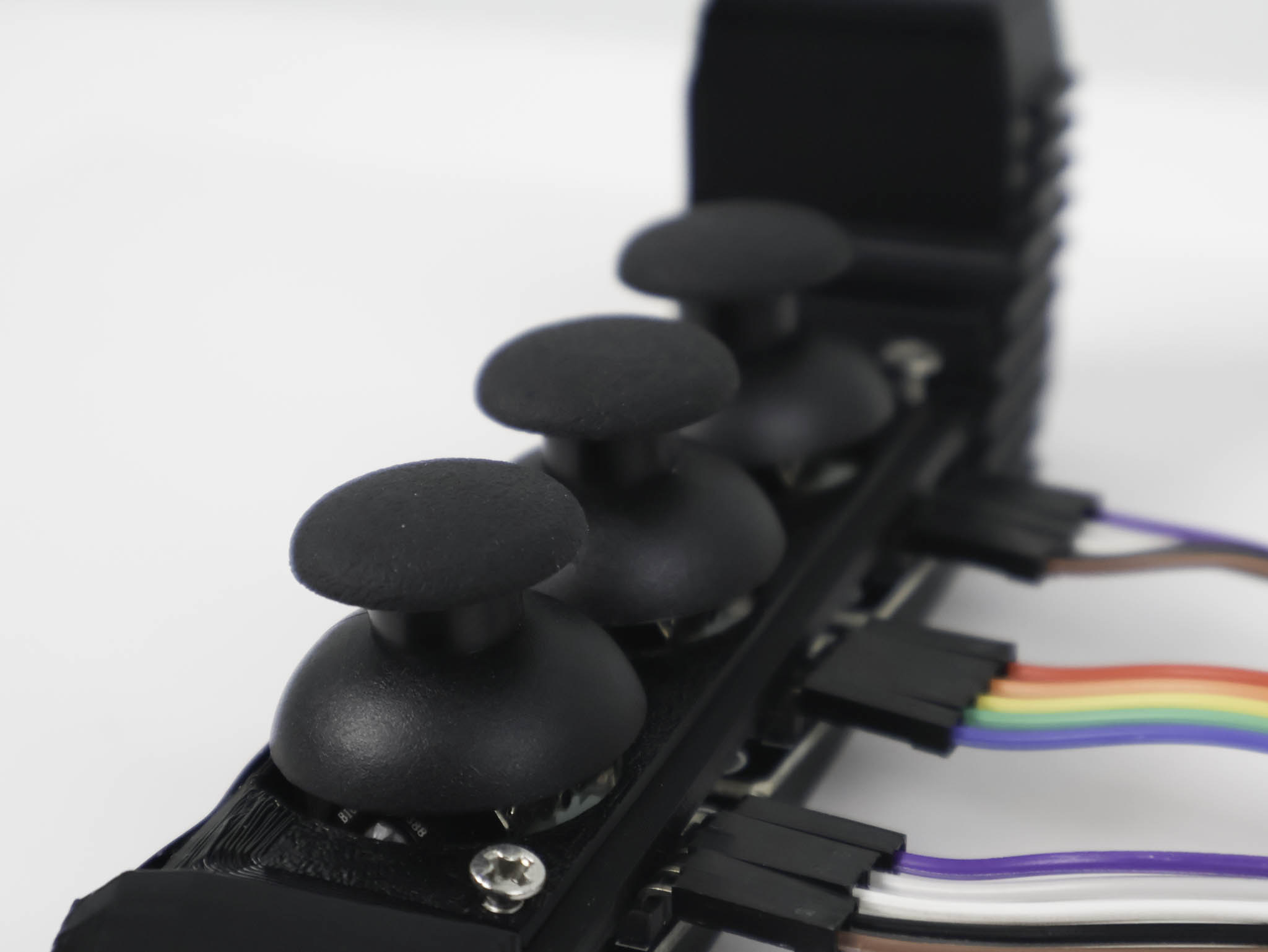
The feedback from Andreas stood out the most. His comment was specifically around how I showcase the work, that the prototypes and their outputs needed to be shown in a way that was more immediately understandable to someone unfamiliar with the project. Not just what it does, but what it feels like to use, and what the visual output actually looks like in context. This pointed towards a need to document the work more cinematically, less circuit-level, more experiential. That feedback has directly shaped how I'm thinking about the final presentation and documentation format.
WEEK 9
12 March Presentation
Presented project arc: context, precedents, design statement, Semester 1 recap, three prototypes, user testing. Built as a local website, no lag, full control over video playback.
Showcase Clarity
Key input from Andreas: the work needs to be shown in a way that makes it immediately understandable, not just technically, but experientially. The visual output needs context around what it feels like to use, not just what it does.
Resistor Issue Fixed
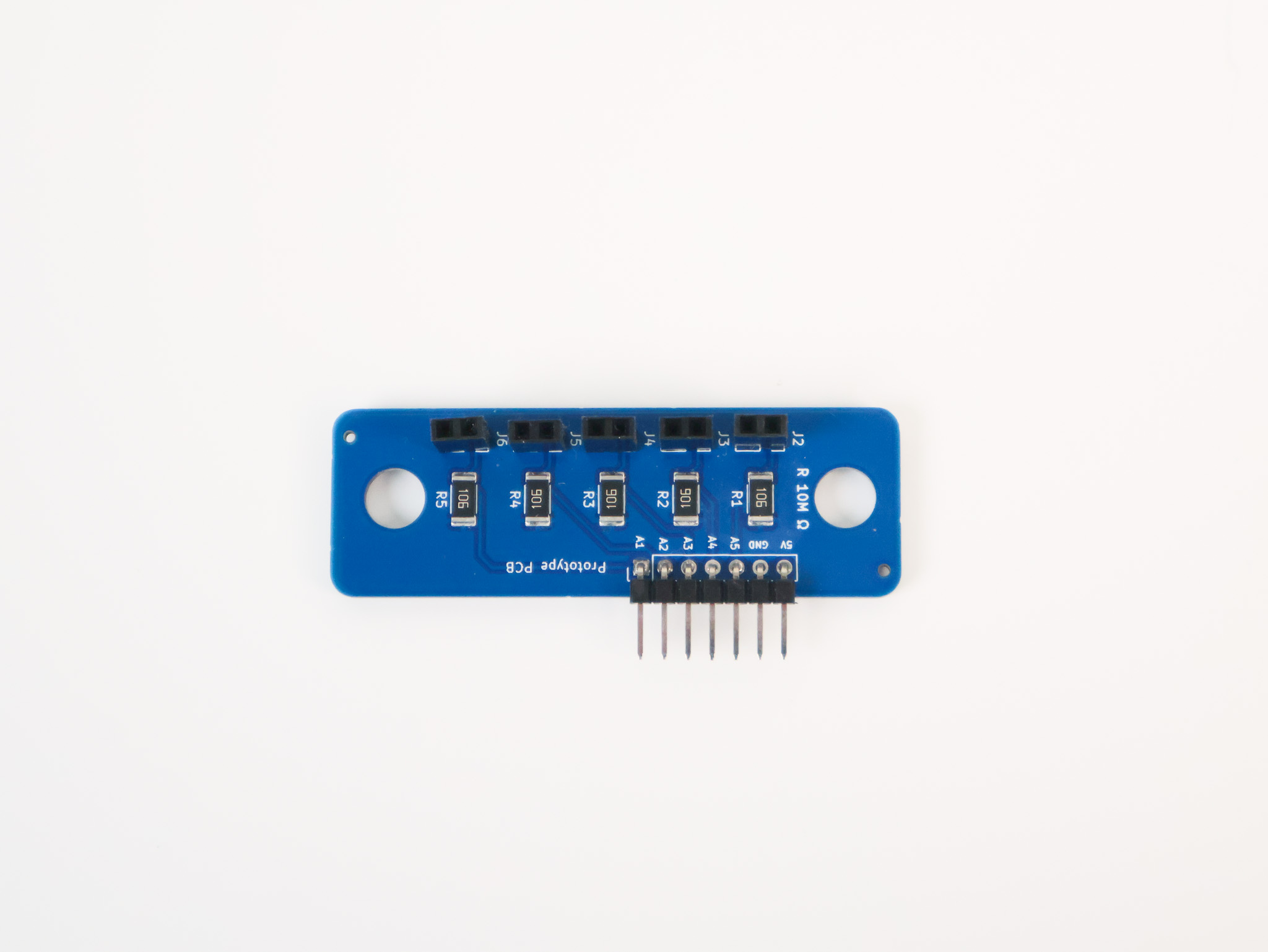
PCB arrived but didn't work. Resistor issue identified with help from Kuriosity contact at Sim Lim Tower, wrong value ordered. Fixed immediately on discovery.
The presentation itself was built as a multi-page website rather than a conventional deck. Each section, title, table of contents, context, precedents, design statement, Semester 1 recap, prototypes 1–3, user testing, and next steps, was designed as a full-screen page with its own layout. The website format also allowed embedding image cyclers and video directly, without the constraints of a slideshow app.
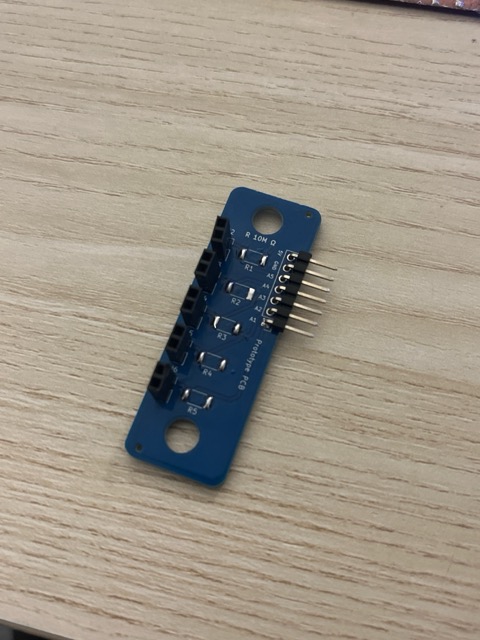
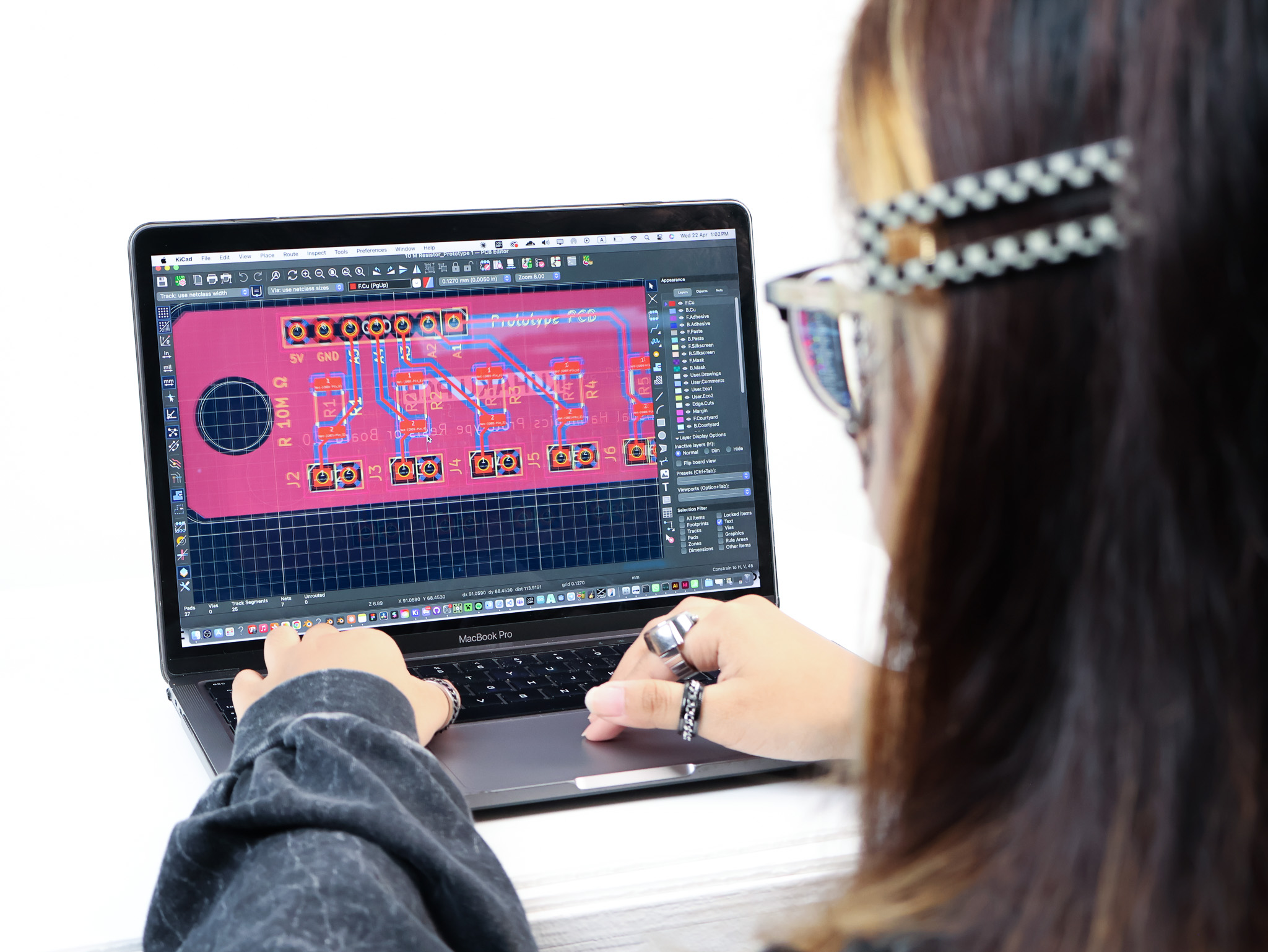
3D print induction on 16 March opened up a new fabrication path. The PCB that had been ordered arrived this week, and didn't work. The resistor value was wrong, ordered from the first search result without verifying the spec. A reminder that the details of hardware sourcing matter as much as the design.
The Kuriosity contact at Sim Lim helped identify the issue on the spot. Fixed and back on track. The lesson here is logged: verify component specs against the schematic before ordering, not after.